Back office (Merchant)
A tour of the partner portal that customers (merchants) sign in to themselves, in the order of the real menu. Each merchant sees only its own payments and settlement, and sign-in works only from registered IPs. All customers and amounts in the screenshots are demo data.
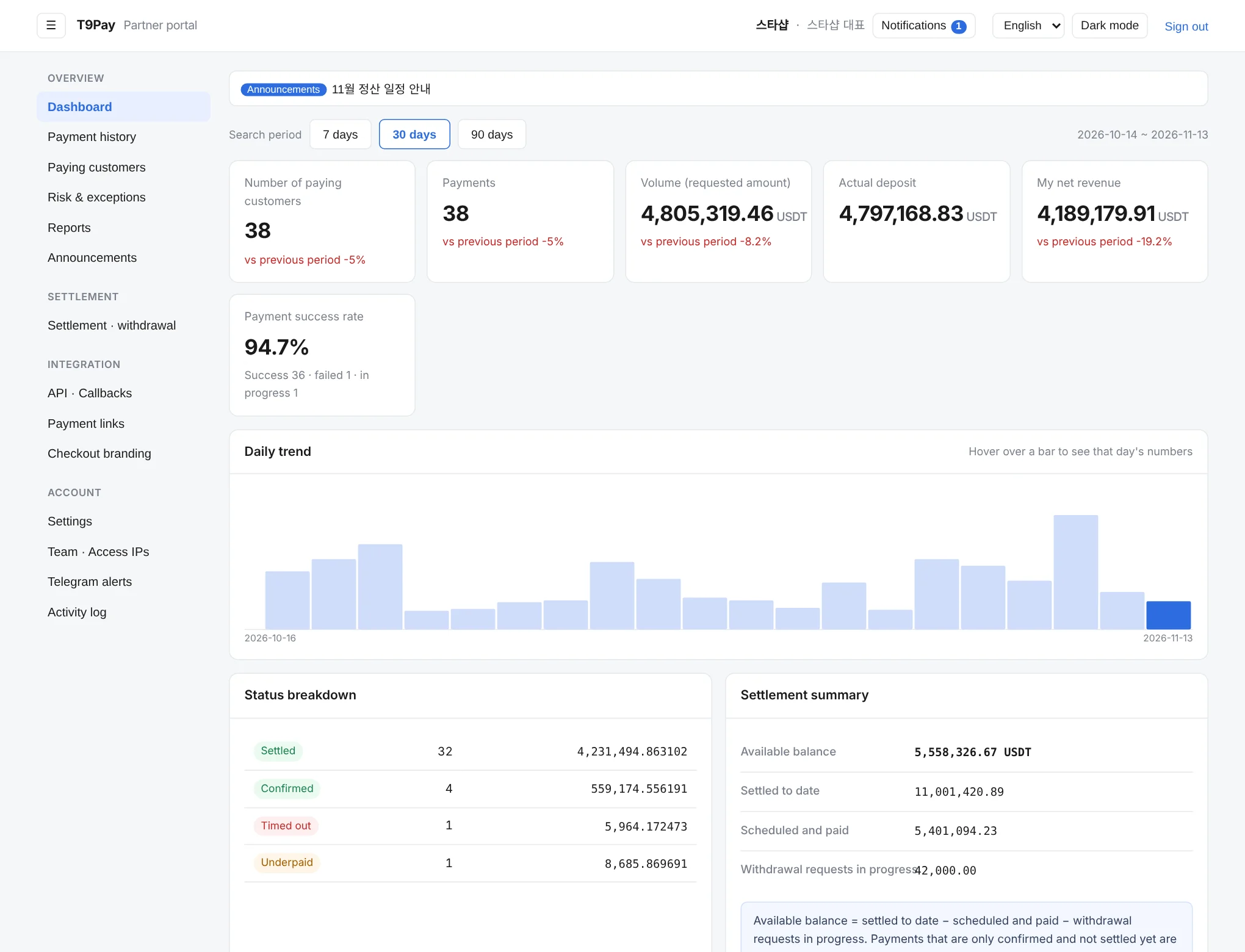
Dashboard
The first screen: pick a period and compare paying customers, payment count, sales, amount actually received, your net revenue, and payment success rate against the previous period. It also shows the daily trend, the breakdown by payment status, and a settlement summary.
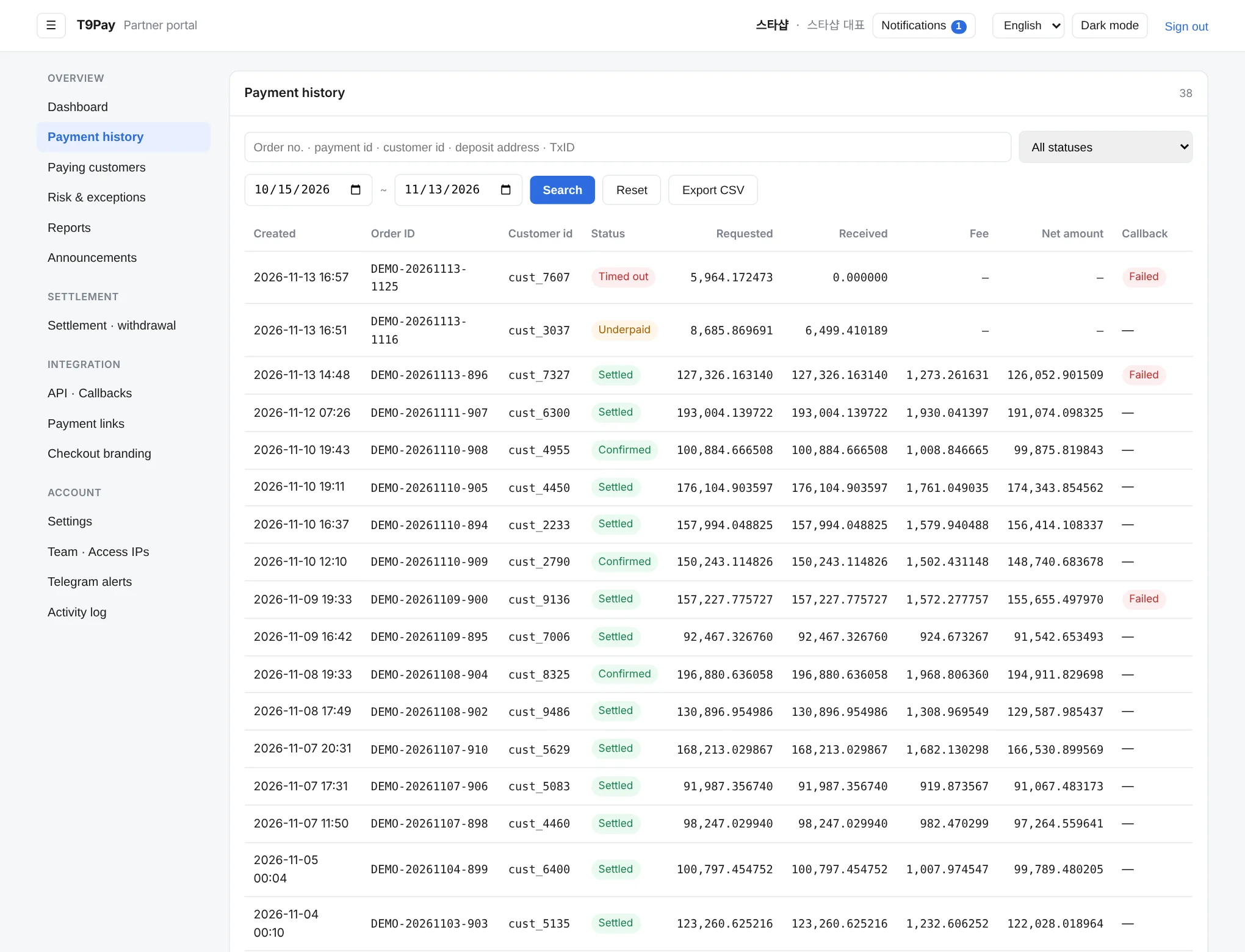
Payment history
Every payment, one row each. Filter by period and status, search by order number or payment id, check the requested and received amounts and confirmation time, and export the list.
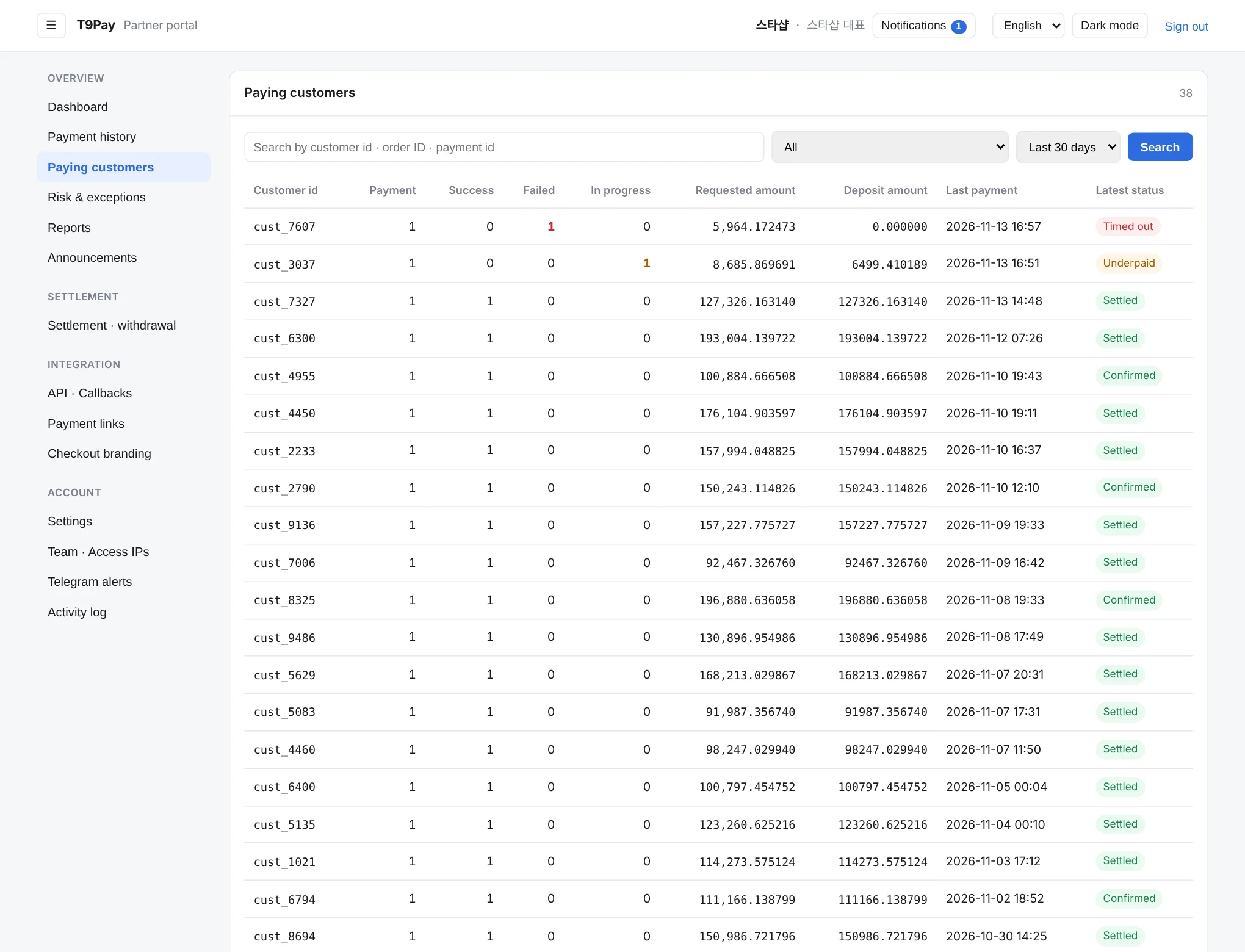
Paying customers
Shows payments grouped by customer. Filter by successful, failed, or in-progress payments, or search by customer ID, order number, or payment ID, and pick a customer to see their payment history.
Risk & exceptions
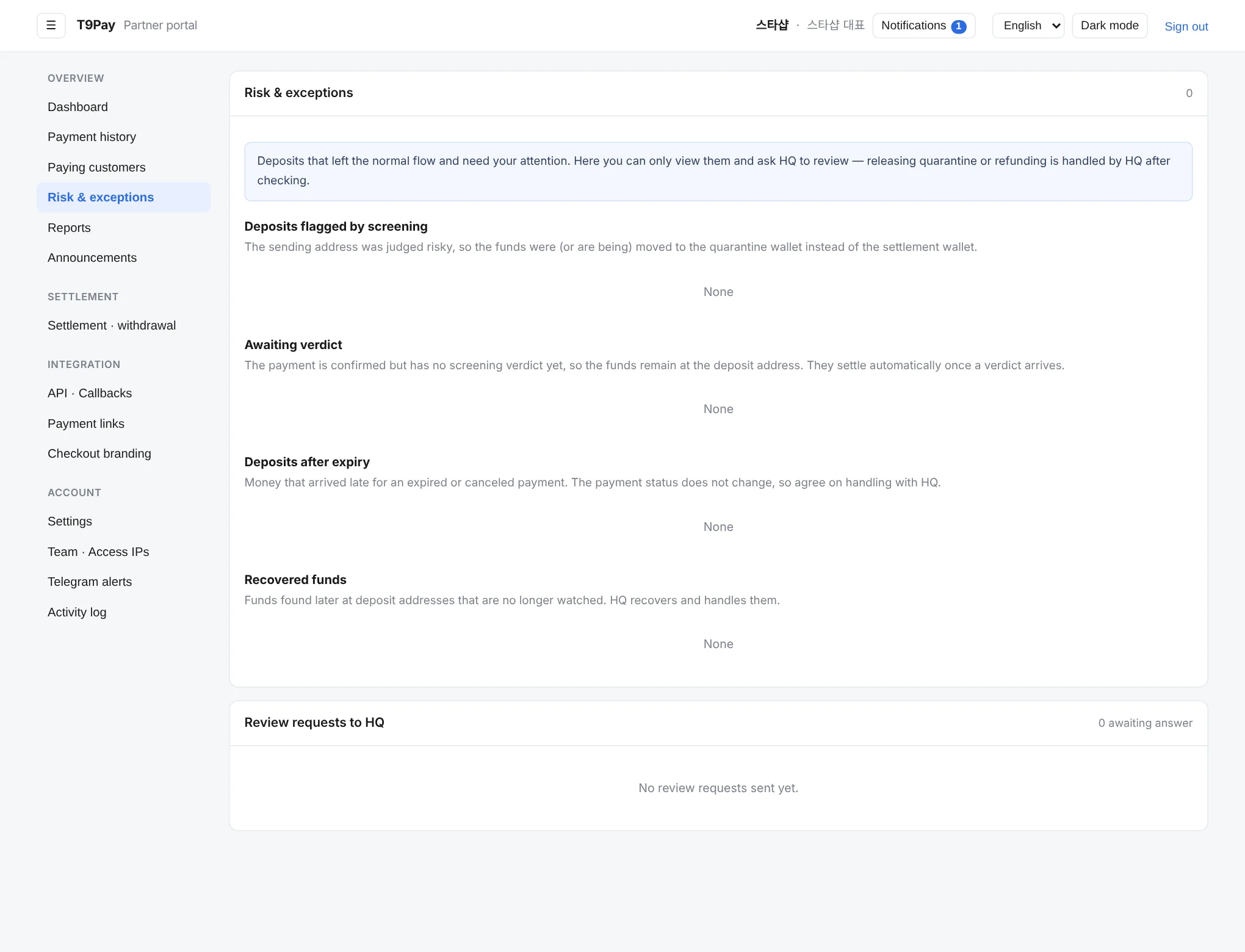
Deposits that need attention, in one place: deposits flagged by screening, deposits awaiting confirmation, deposits that arrived after expiry, and recovered funds. You can ask HQ to review any of them.
Reports
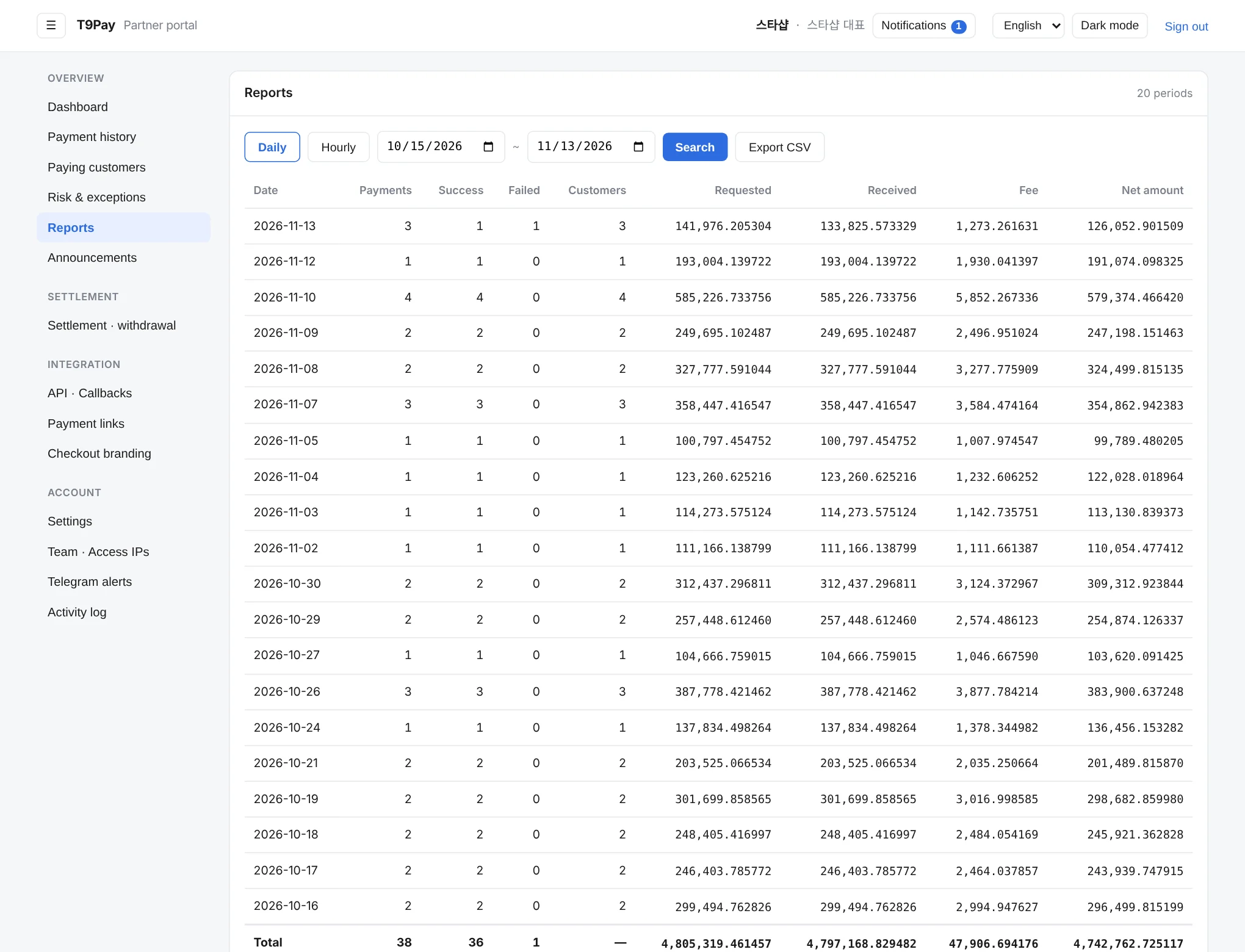
Payment counts, amounts, fees and net received, summed by day, week or month. Pick a period and download a CSV for reconciliation or internal reporting.
Announcements
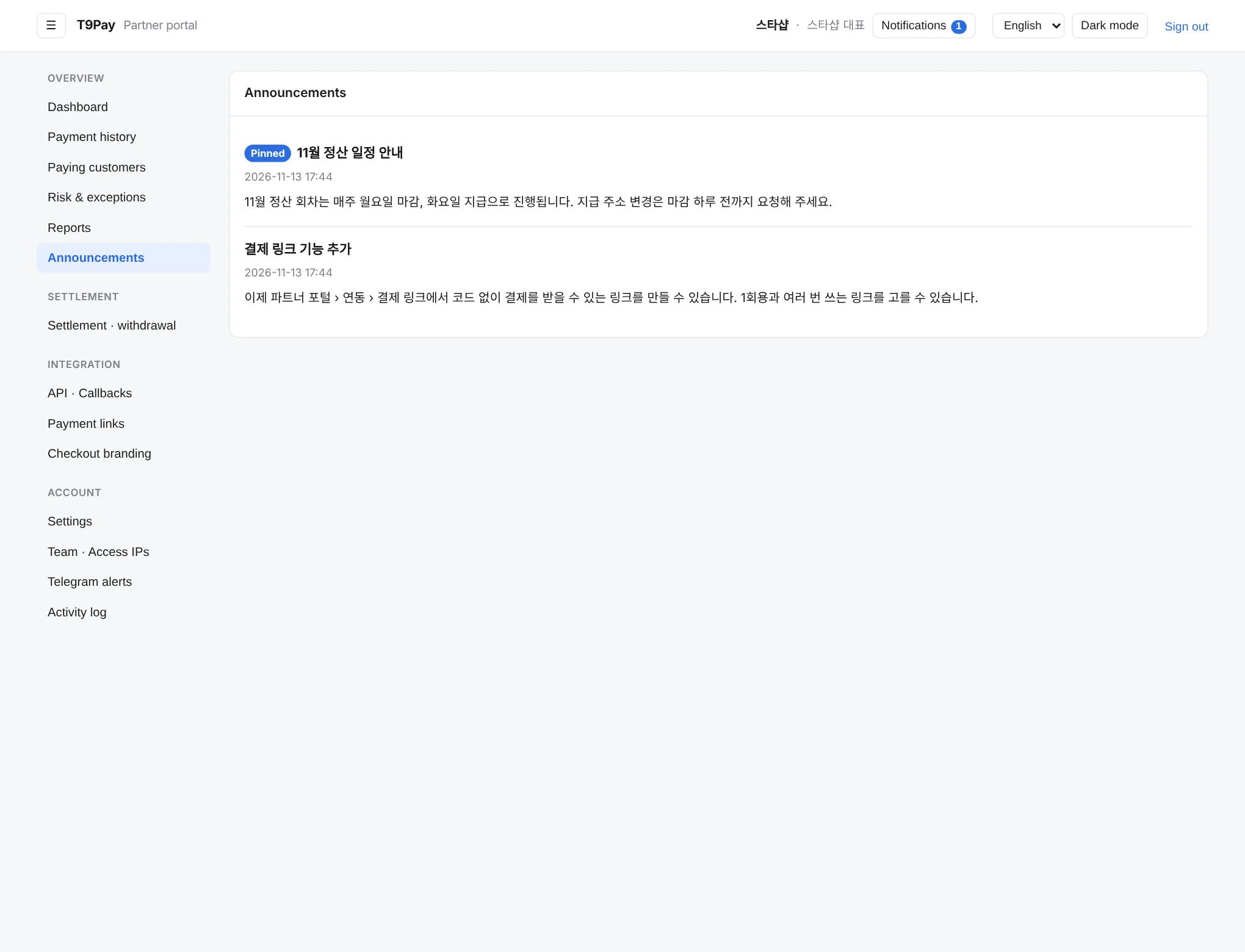
Notices from HQ about settlement schedules, new features and maintenance. Important ones stay pinned at the top.
Settlement · withdrawal
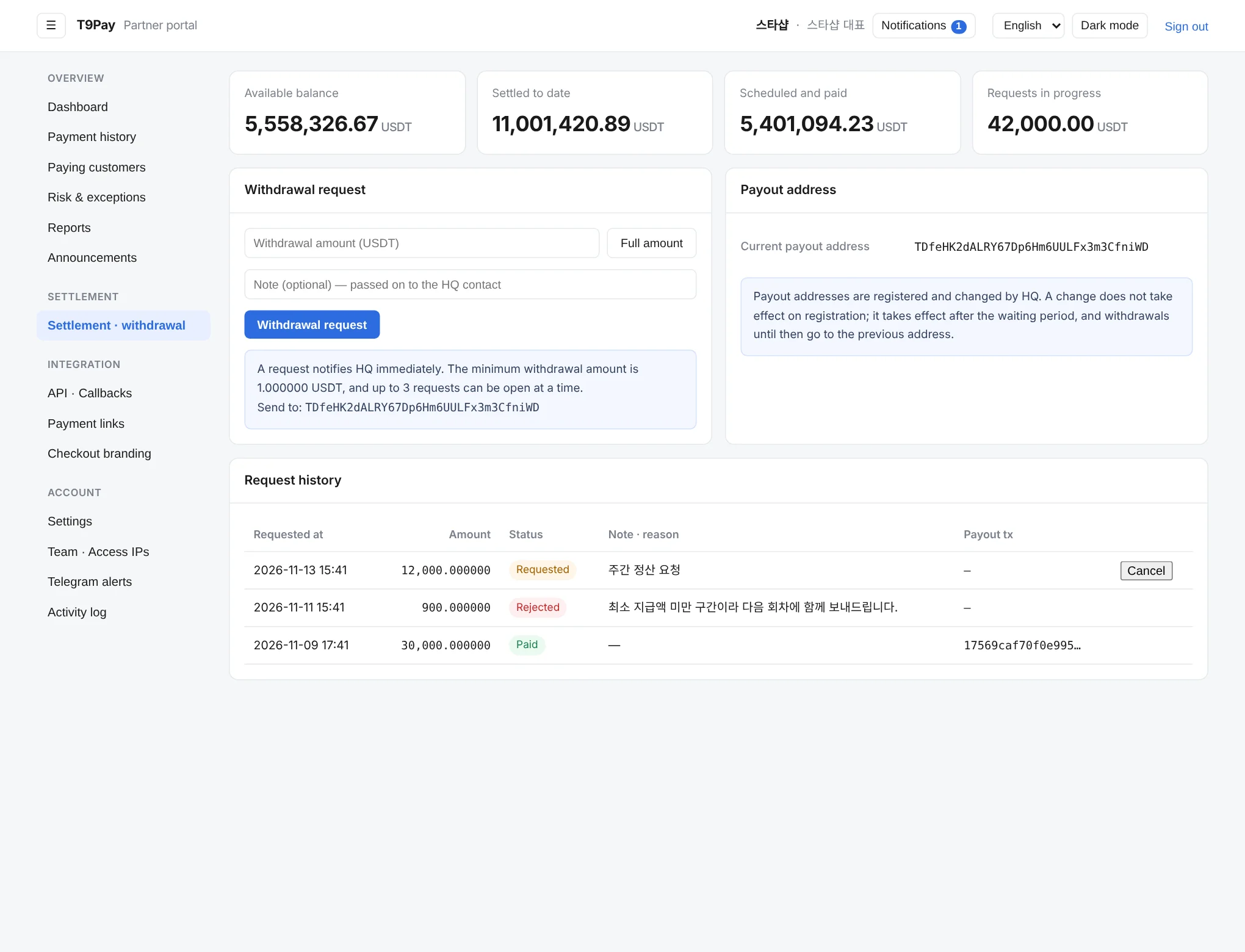
Where you check the balance you can withdraw and request a withdrawal. The withdrawable balance is your settled share minus amounts already paid out or being processed, and the request history and status are shown here too.
API · Callbacks
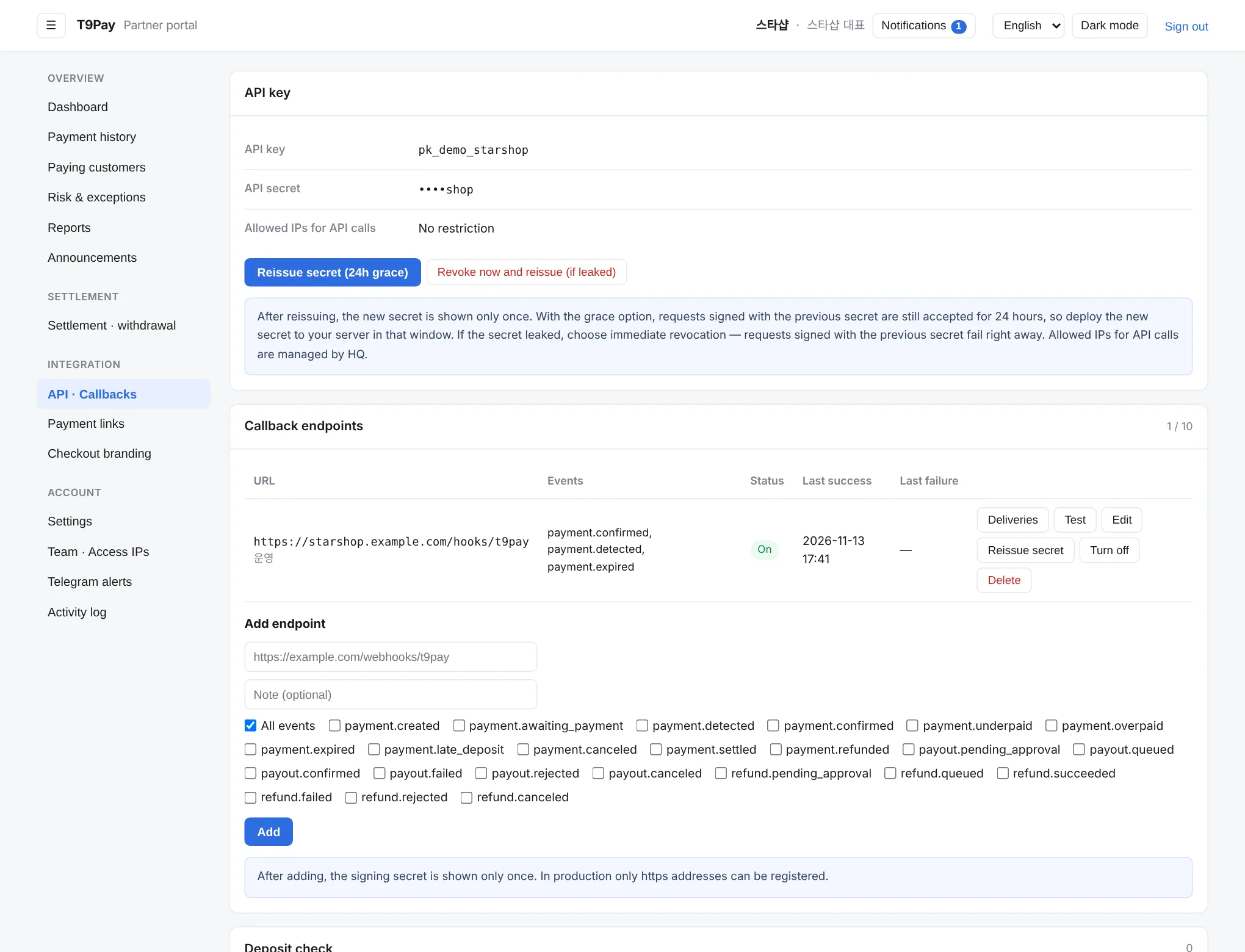
Check your API key and reissue the secret. Register several callback URLs for payment notifications, choose which events each one receives, and send a test.
Payment links
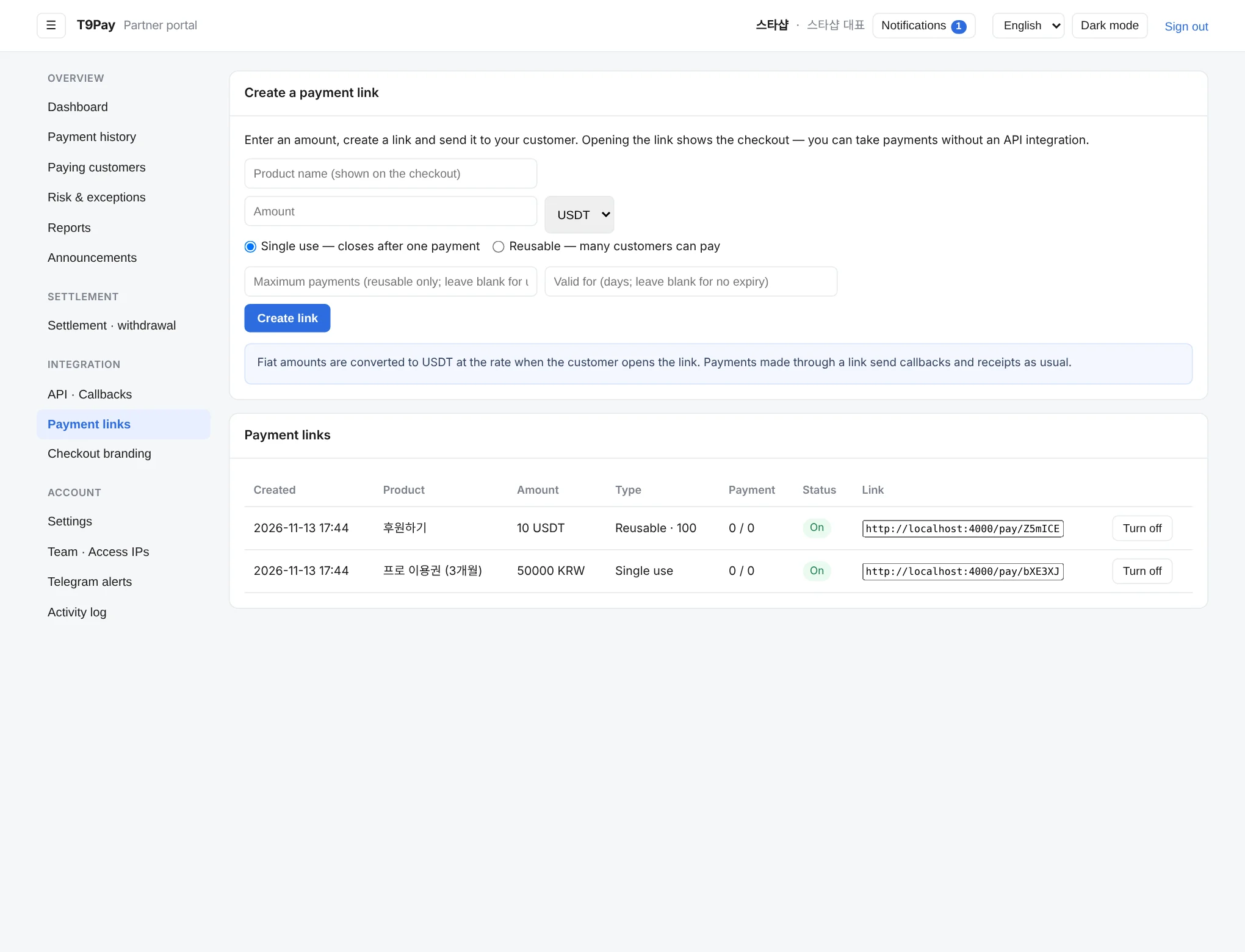
Take payments without any development. Set the amount and currency, single-use or reusable, and an expiry, then send the link by messenger or email.
Checkout branding
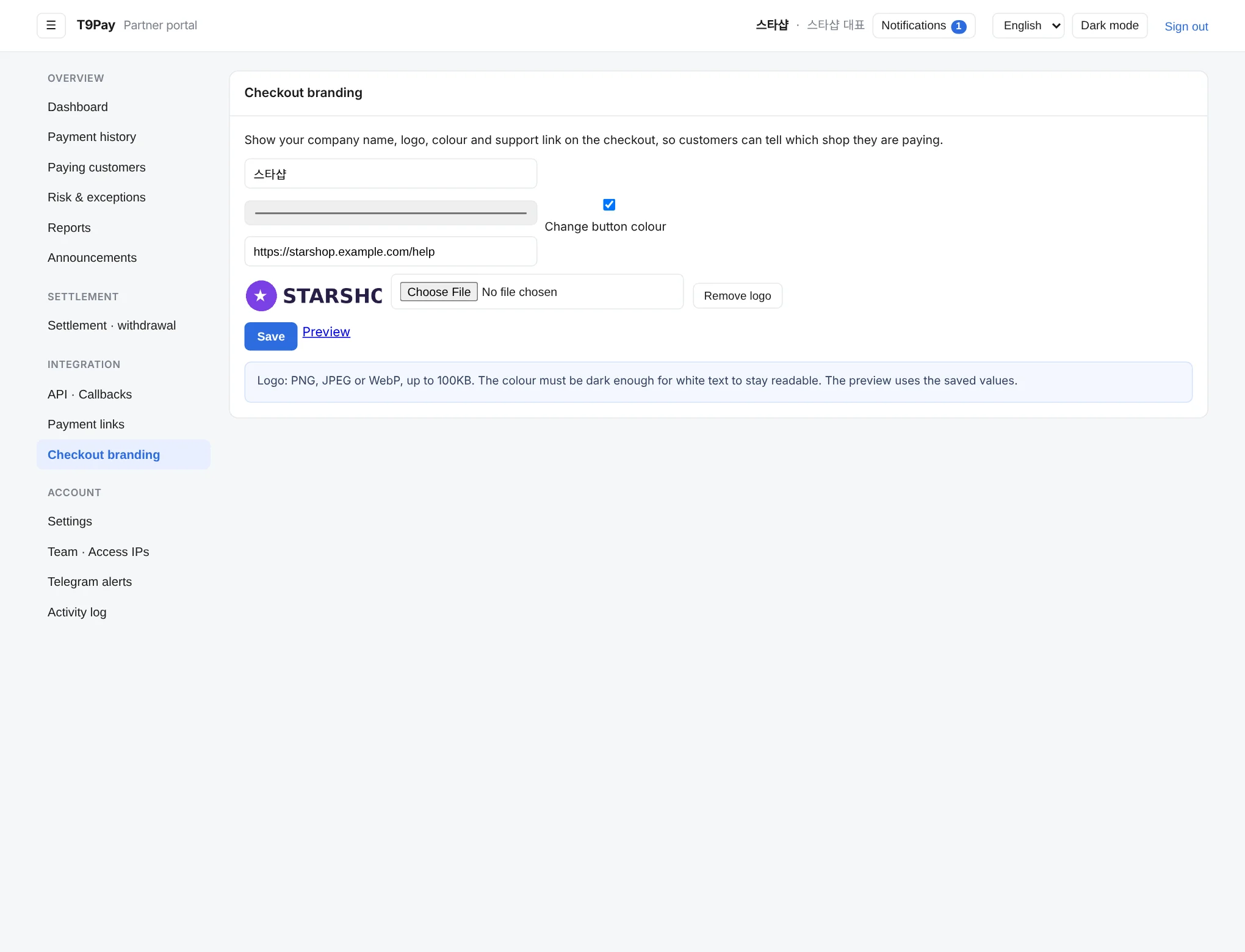
Put your company name, logo, brand color and support link on the checkout your customers see, with a live preview.
Settings
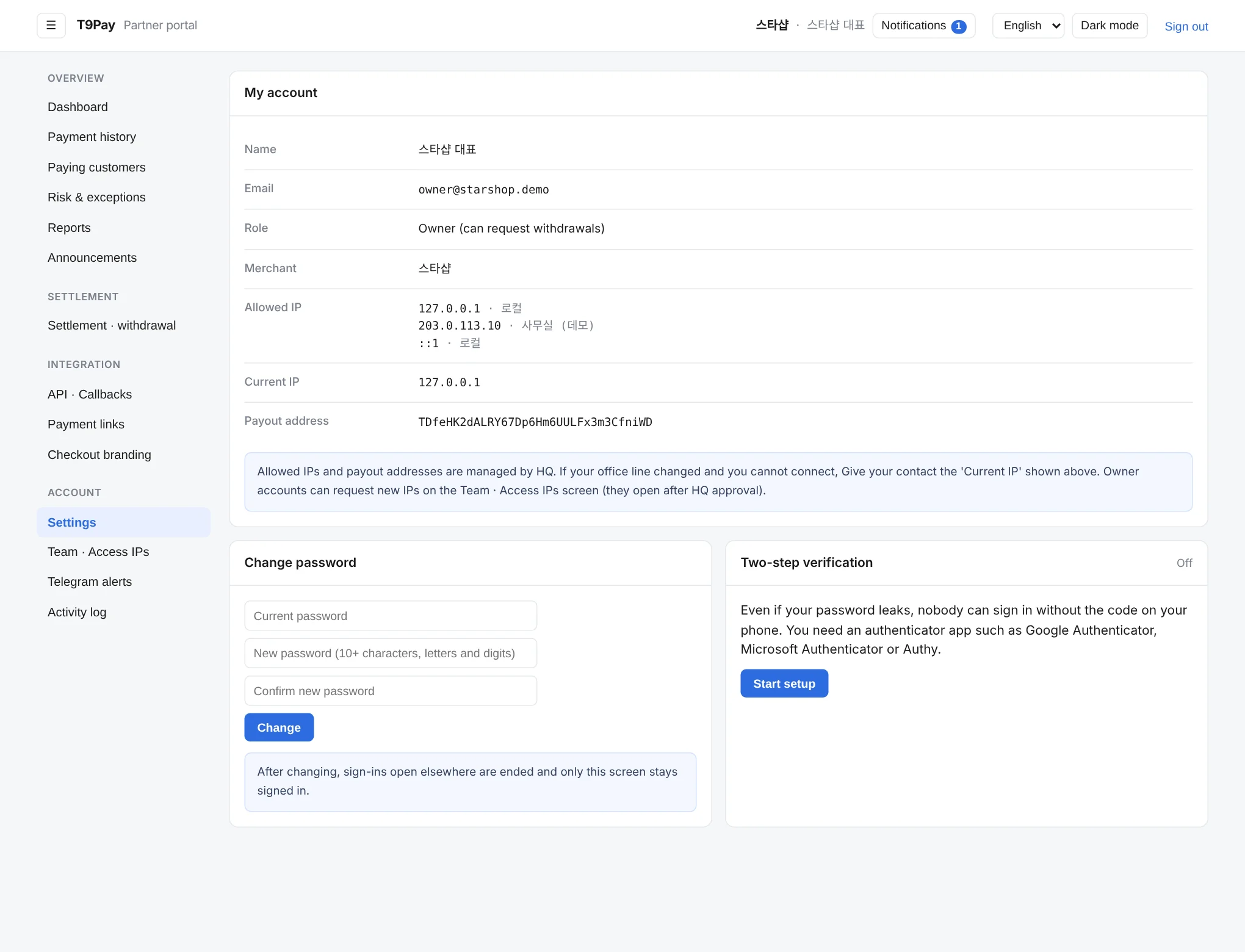
Shows your account, the IP addresses allowed to sign in, and the payout address that receives your settlement. It also shows your current IP, which you can pass to your contact if you cannot sign in.
Team · Access IPs
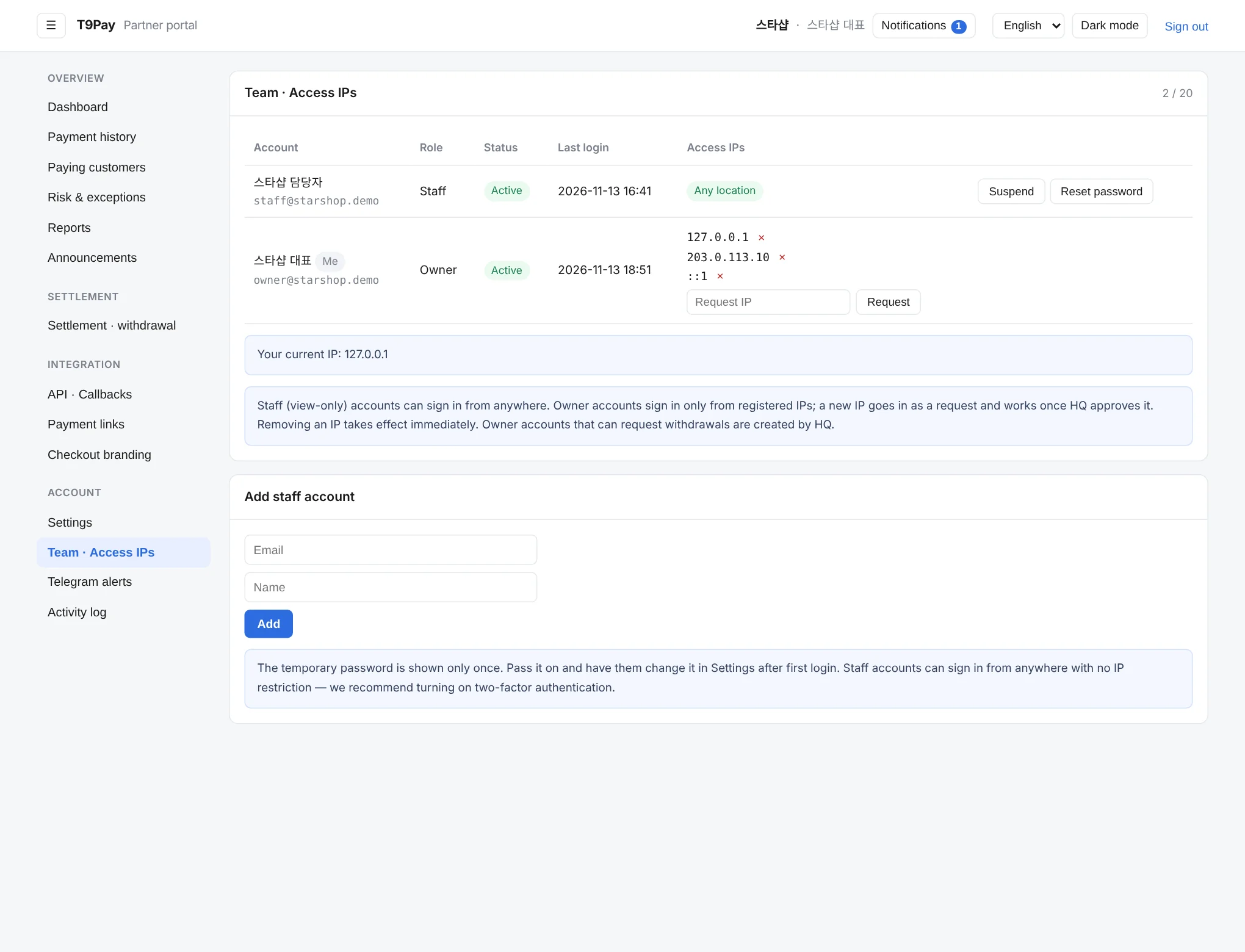
Add staff accounts and assign roles. Each account can be limited to allowed IPs, so sign-in fails from anywhere else.
Telegram alerts
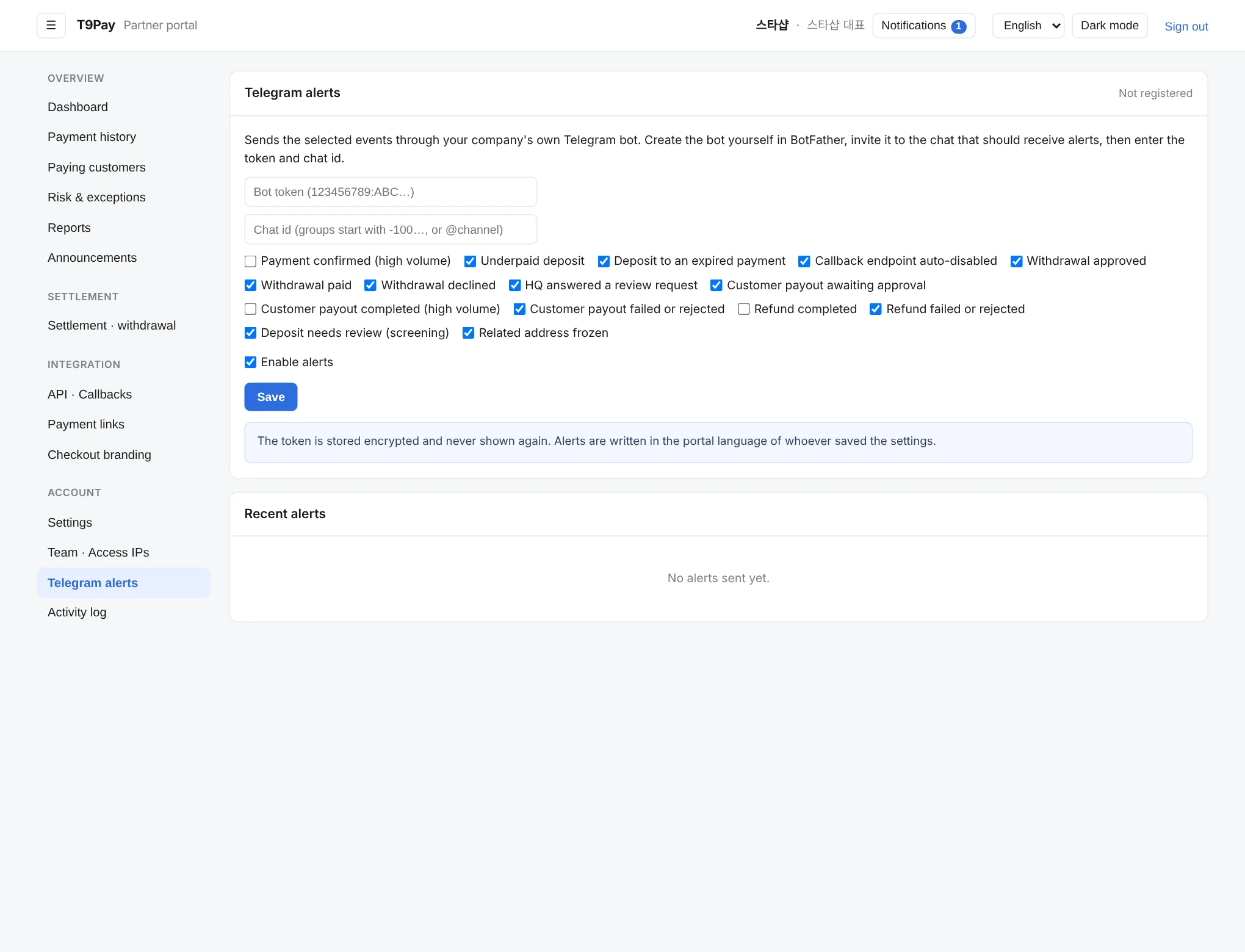
Connect Telegram to receive alerts for confirmed payments, under- or overpayments, failed callbacks and withdrawals. Choose which alerts to get and review recent ones.
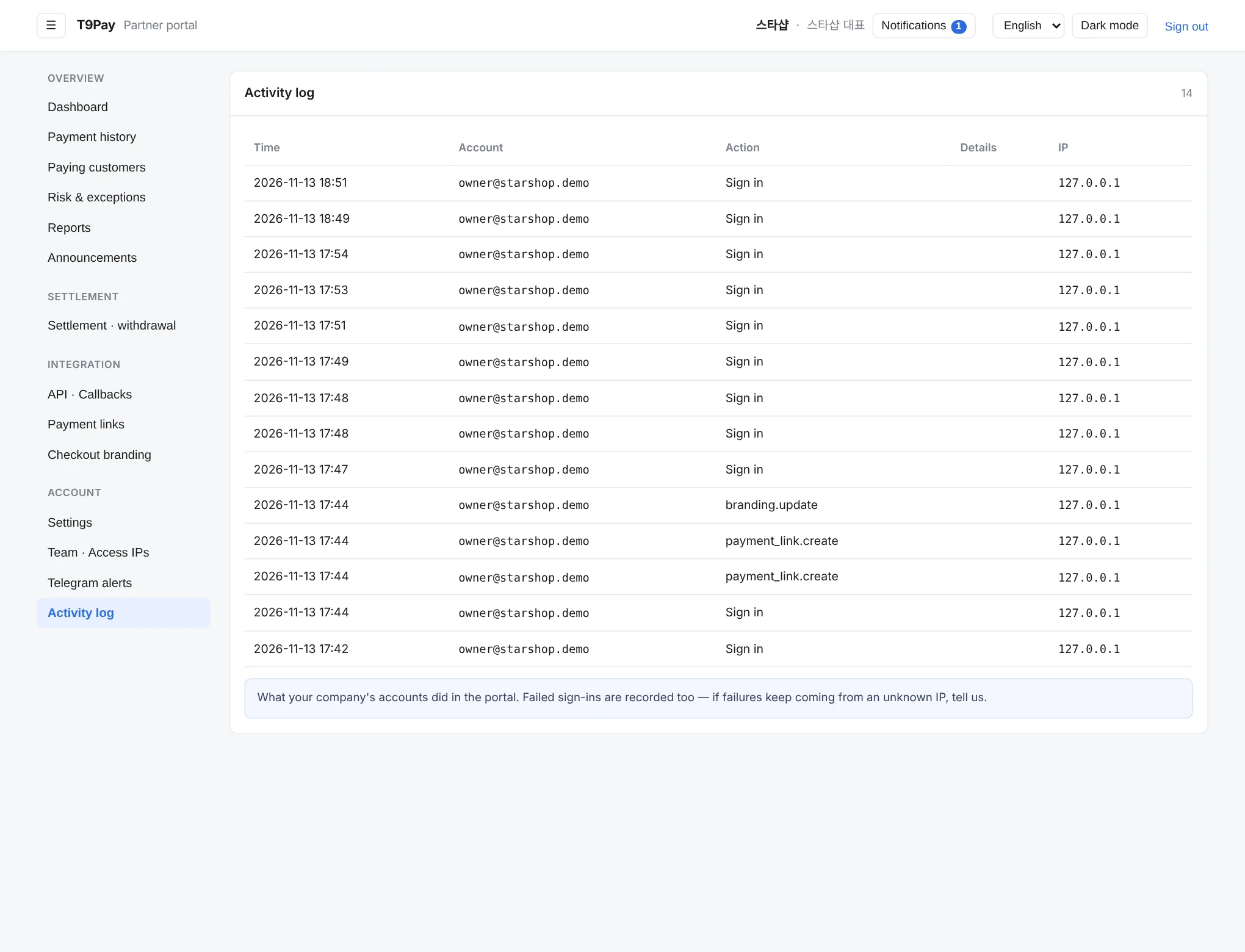
Activity log
A record of who signed in when and from which IP, and what they changed. Use it to trace how a setting or payment link was changed.