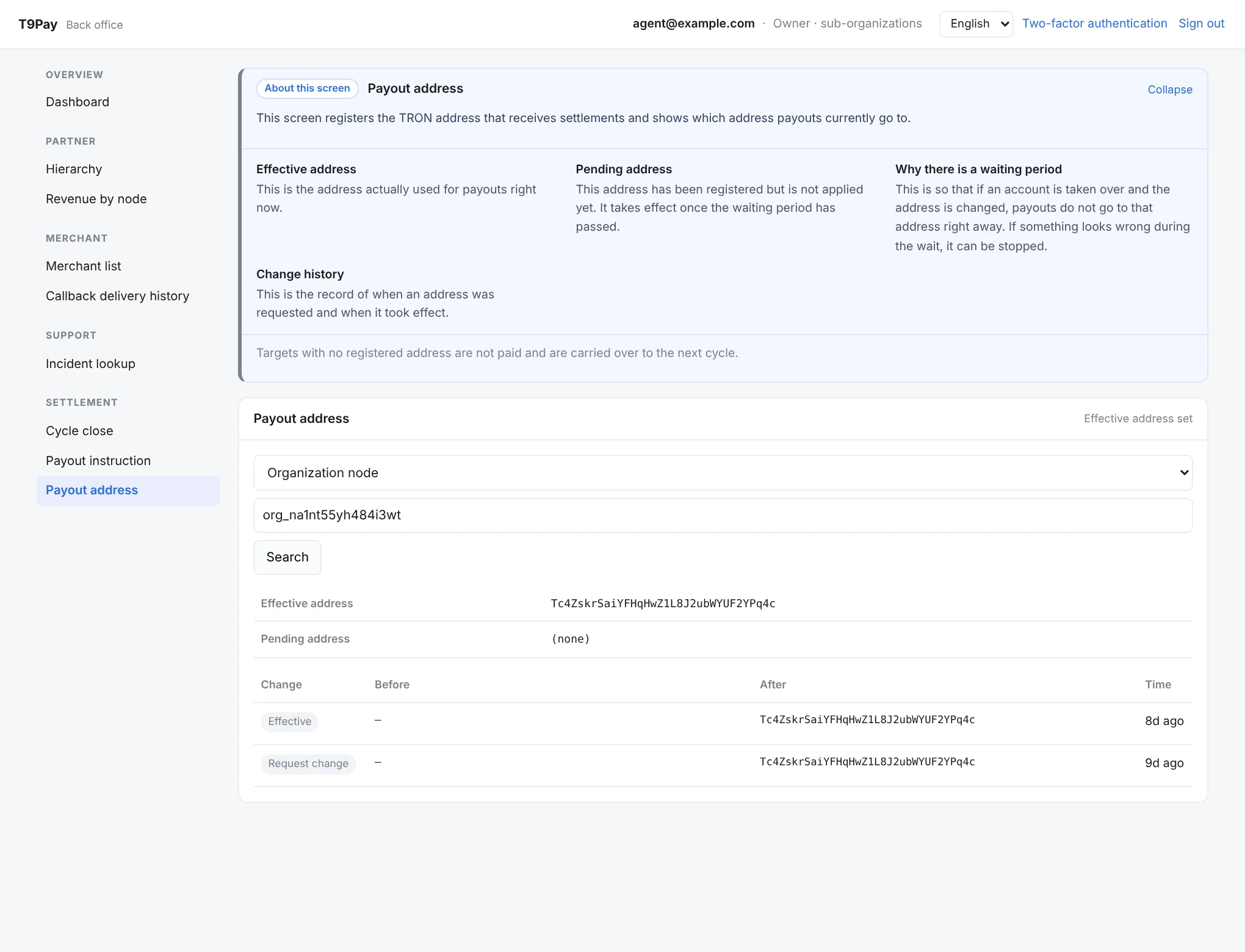
Back office (Agent)
A tour of the back office as an agent account sees it, in the order of the real menu. You see only your own organization and its merchants, and HQ-only menus are hidden. All merchants and amounts in the screenshots are demo data.
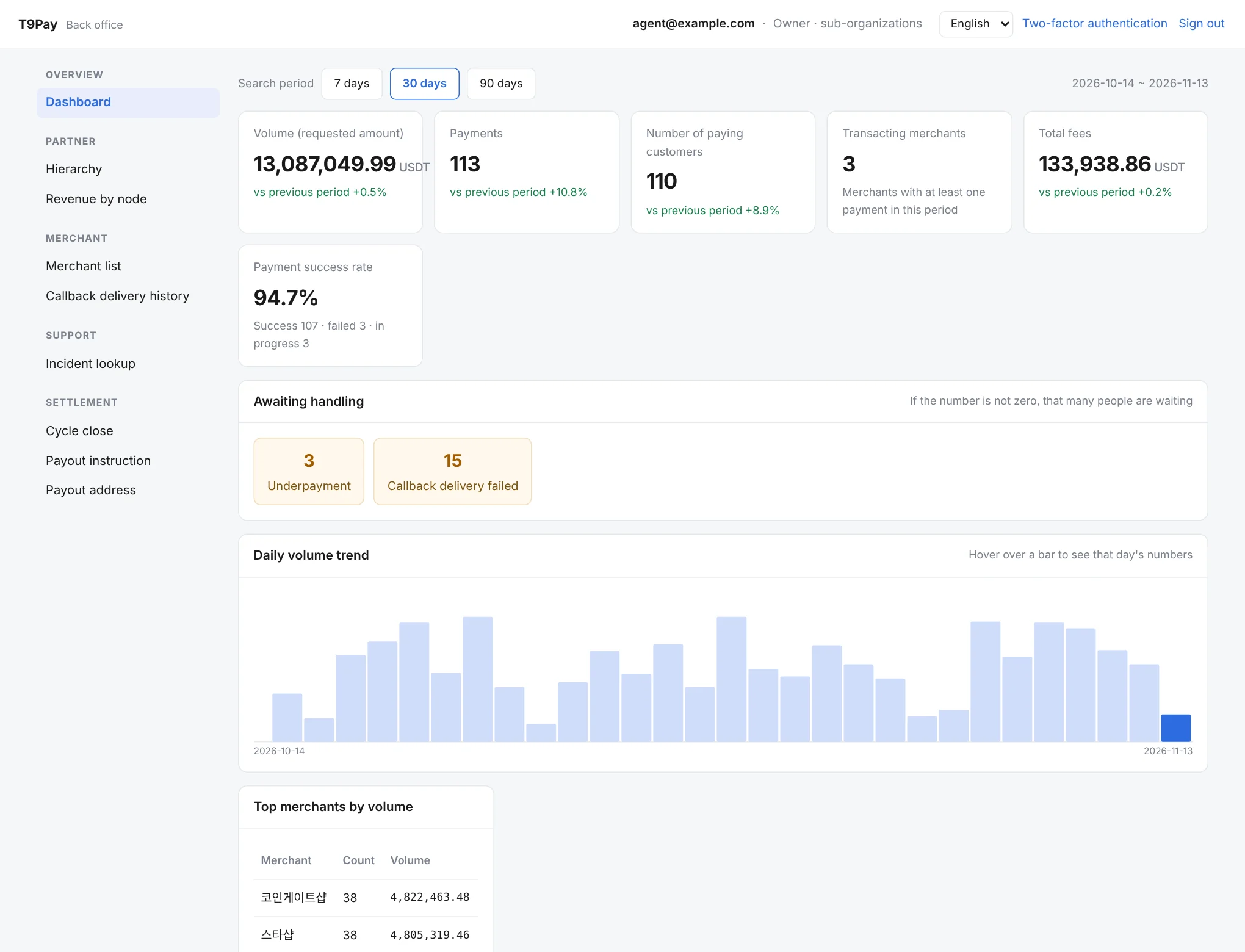
Dashboard
The first screen after sign-in. Compare payment volume and count, paying customers, success rate and your revenue with the previous period, and see what needs handling now, such as unsettled items or failed callbacks, along with the daily trend and your busiest merchants.
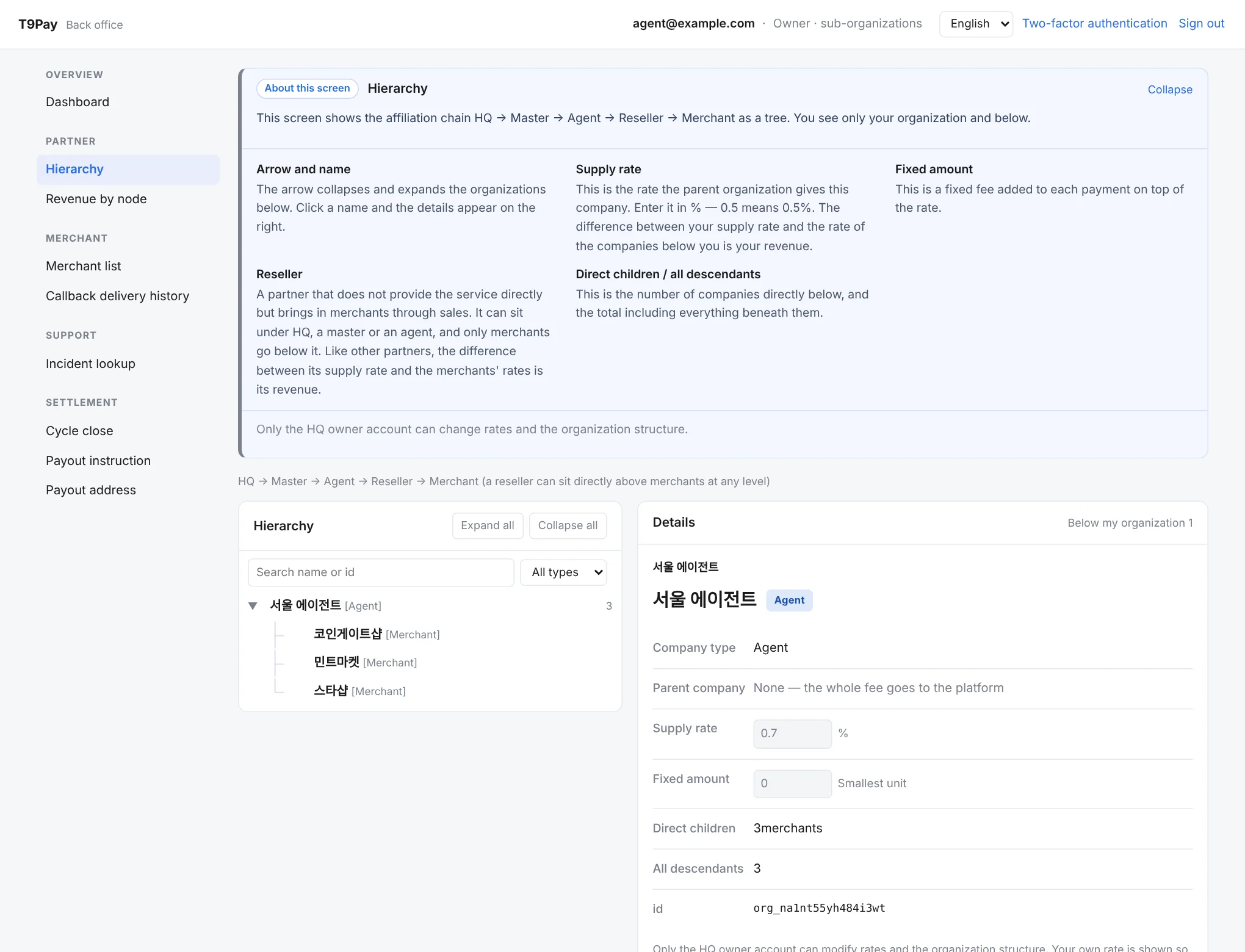
Hierarchy
Shows how your organization and the merchants under it are related, as a tree. Pick an entry to see details such as its type, rate, and number of sub-entries.
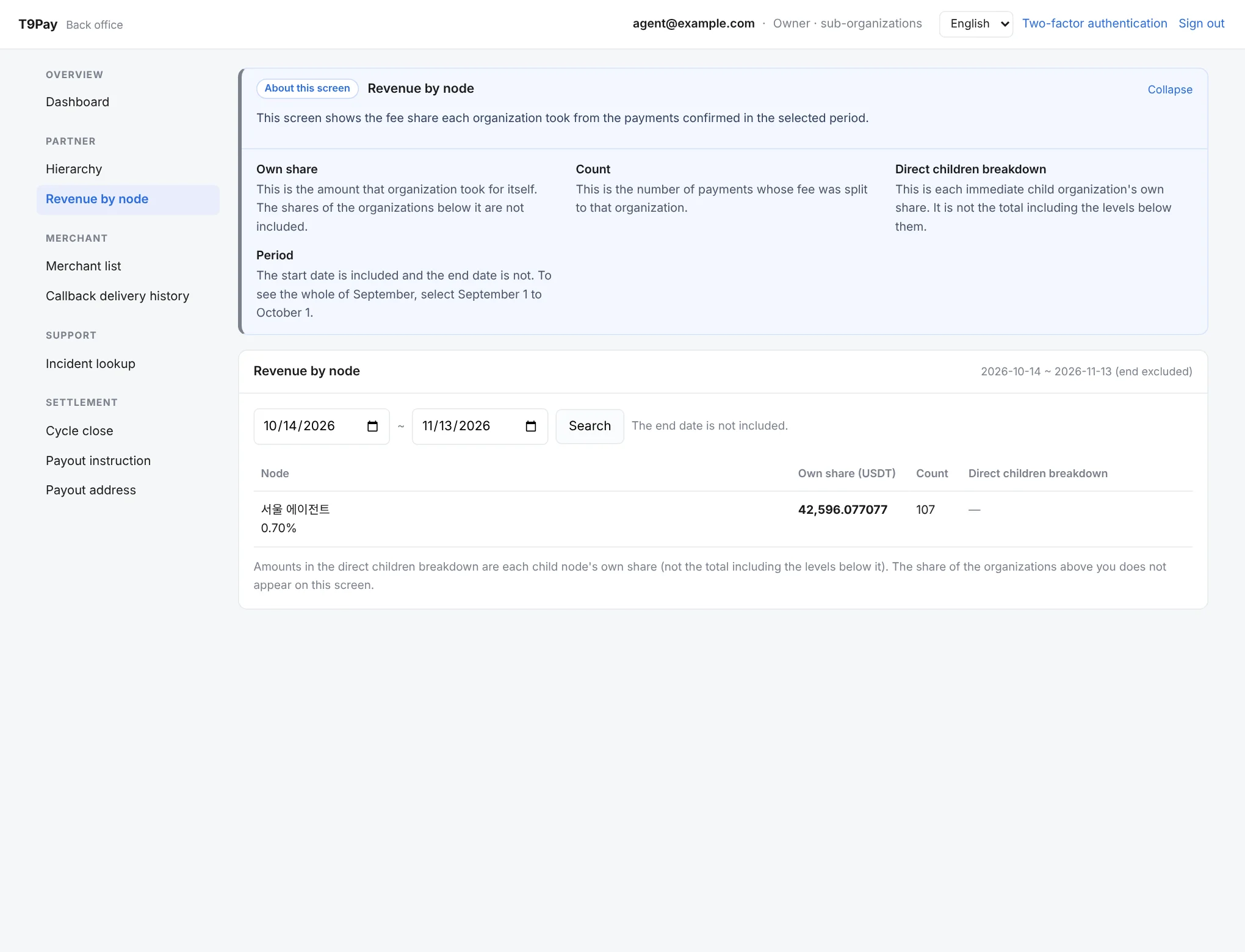
Revenue by node
Shows your share of fees and the number of payments confirmed in the period you choose.
Merchant list
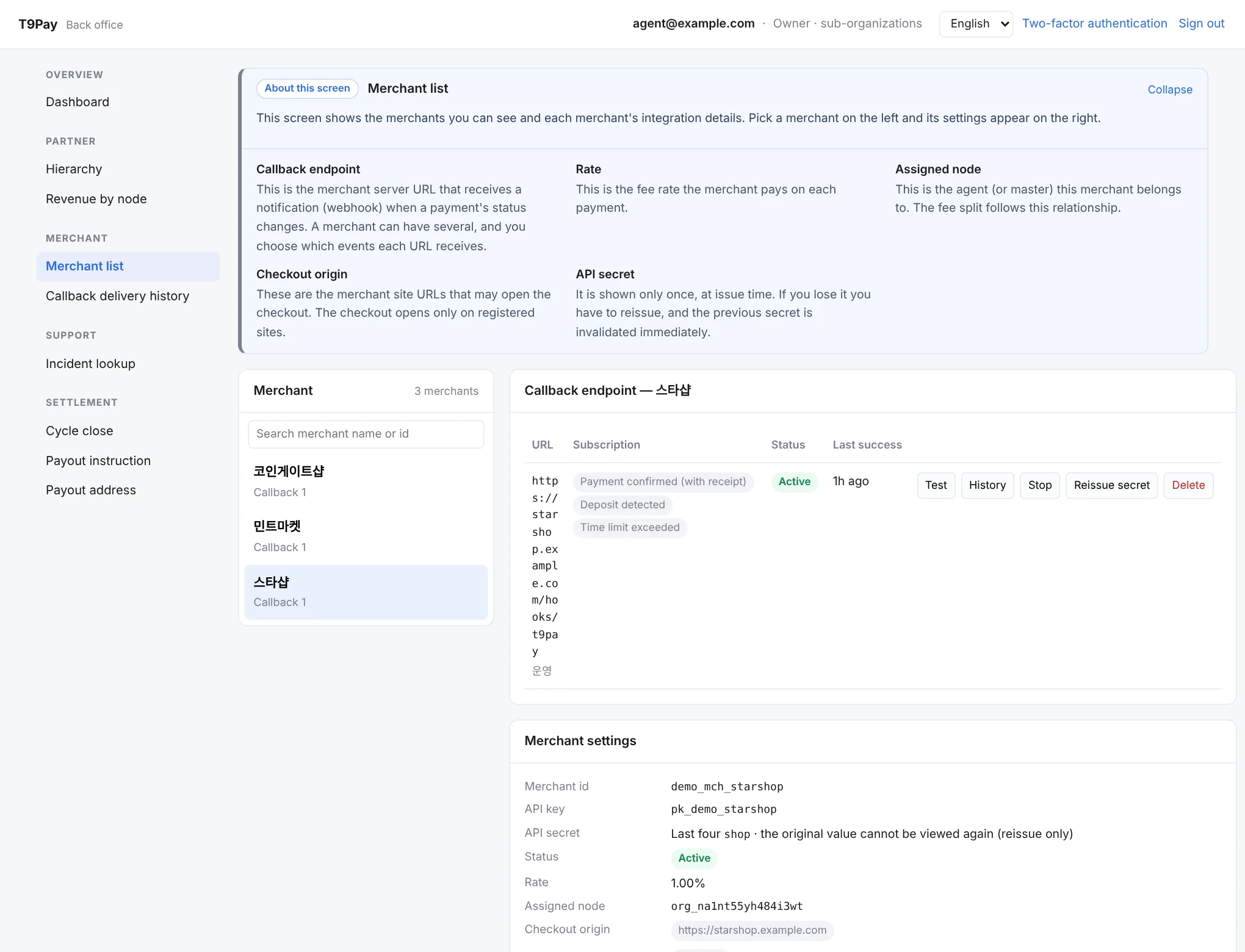
Shows your merchants and each one’s integration details. Pick a merchant to review and manage its API key, rate, and the callback URLs that receive payment notifications.
Callback delivery history
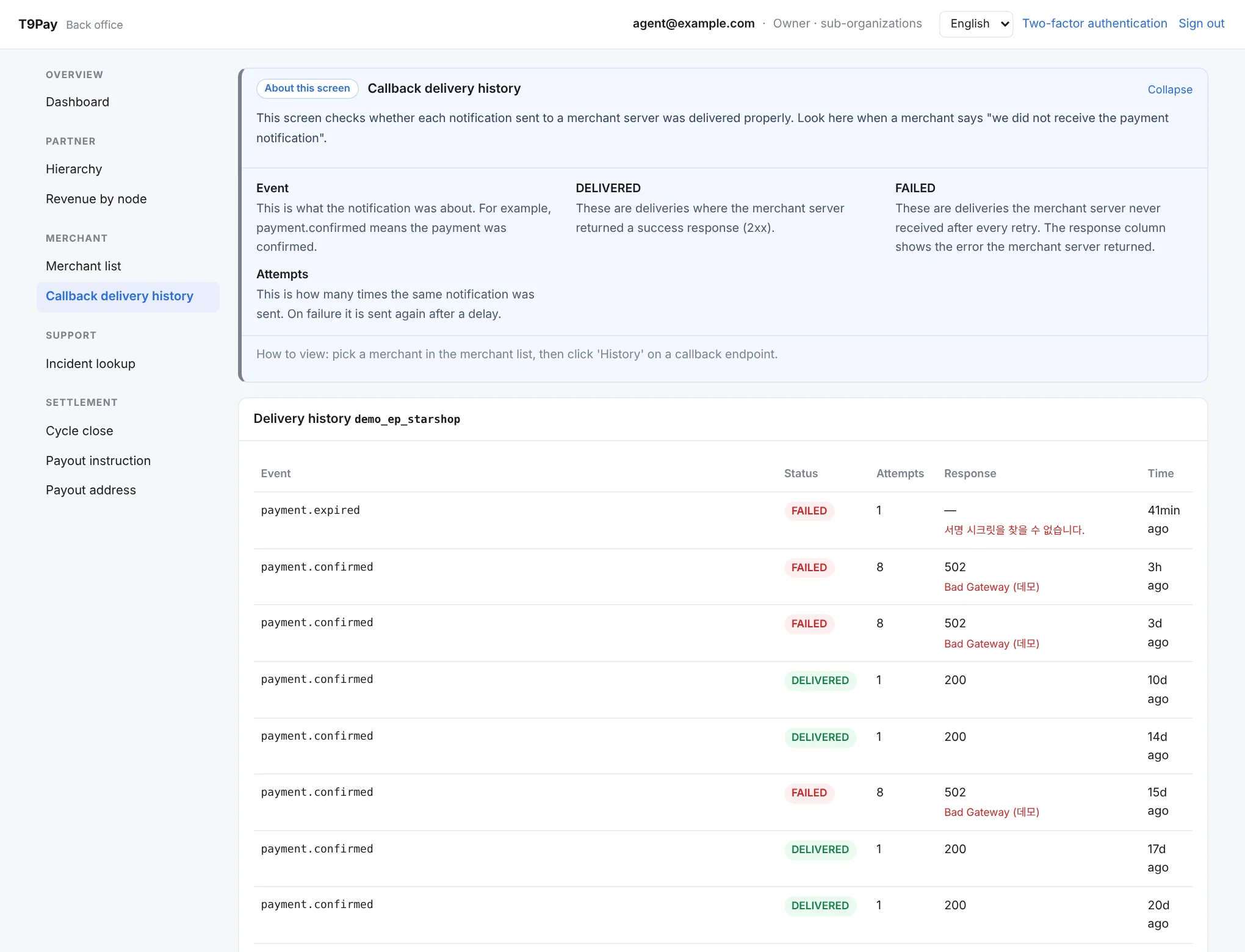
Shows, one by one, whether the payment notifications sent to a merchant server were delivered. When a merchant says a notification never arrived, this is where you see how many times it was sent and what their server replied.
Incident lookup
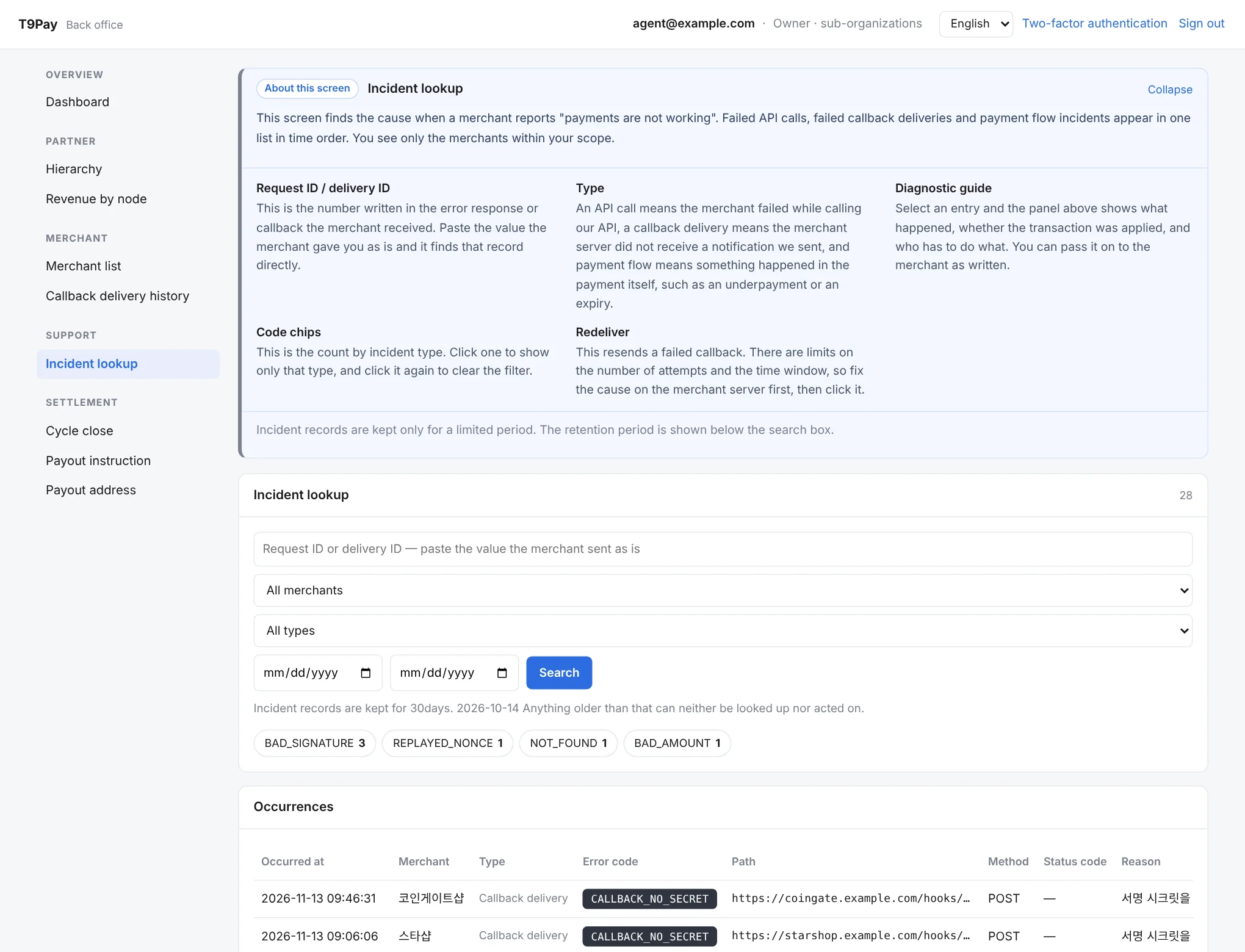
Where you find the cause when a merchant reports that payments are failing. Failed API calls, failed notification deliveries, and problems during payment appear in one list, and picking an entry explains what happened and who needs to do what.
Cycle close
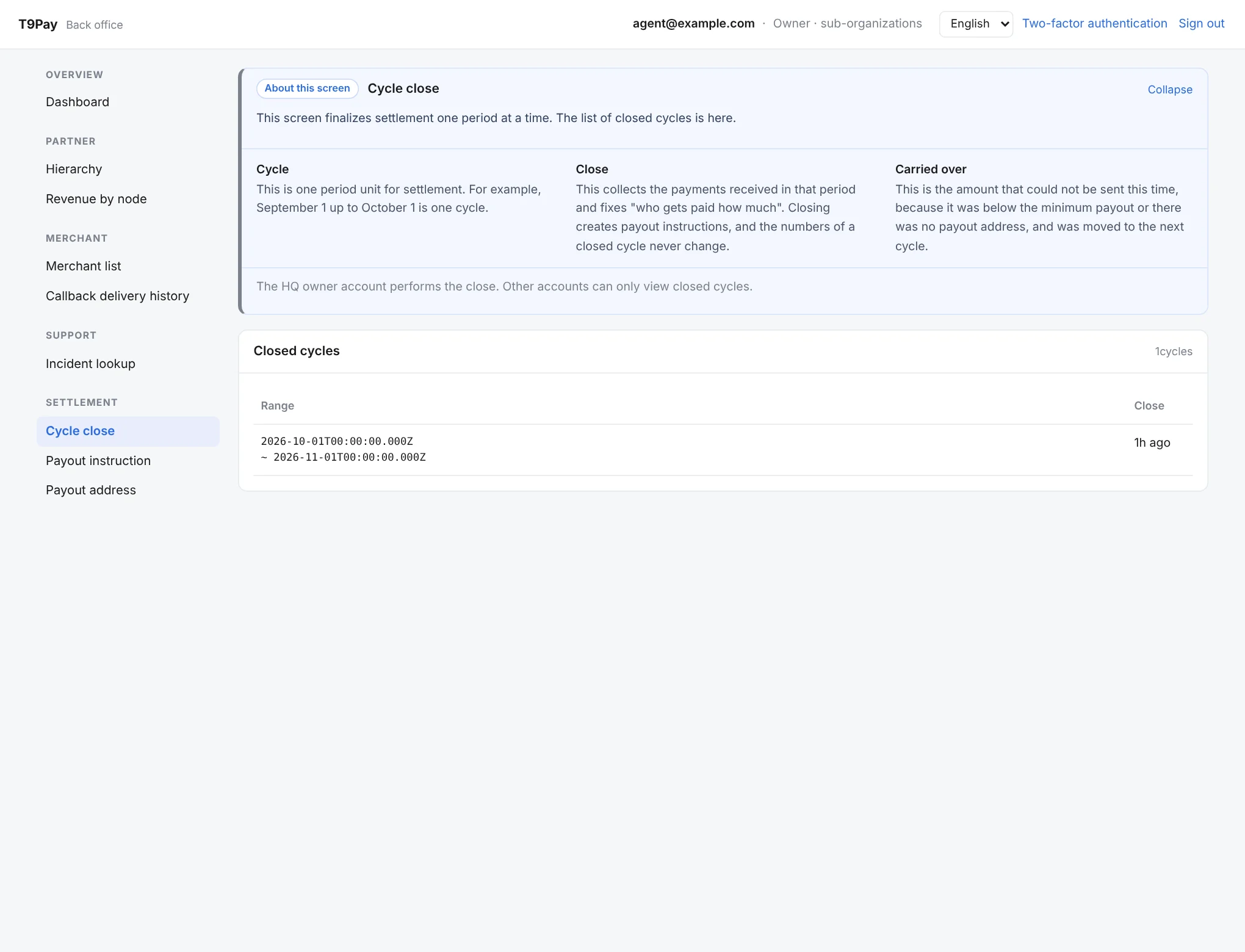
A cycle is one settlement period, and closing a cycle means collecting that period’s payments and fixing who gets paid how much. This screen lists the cycles that have been closed.
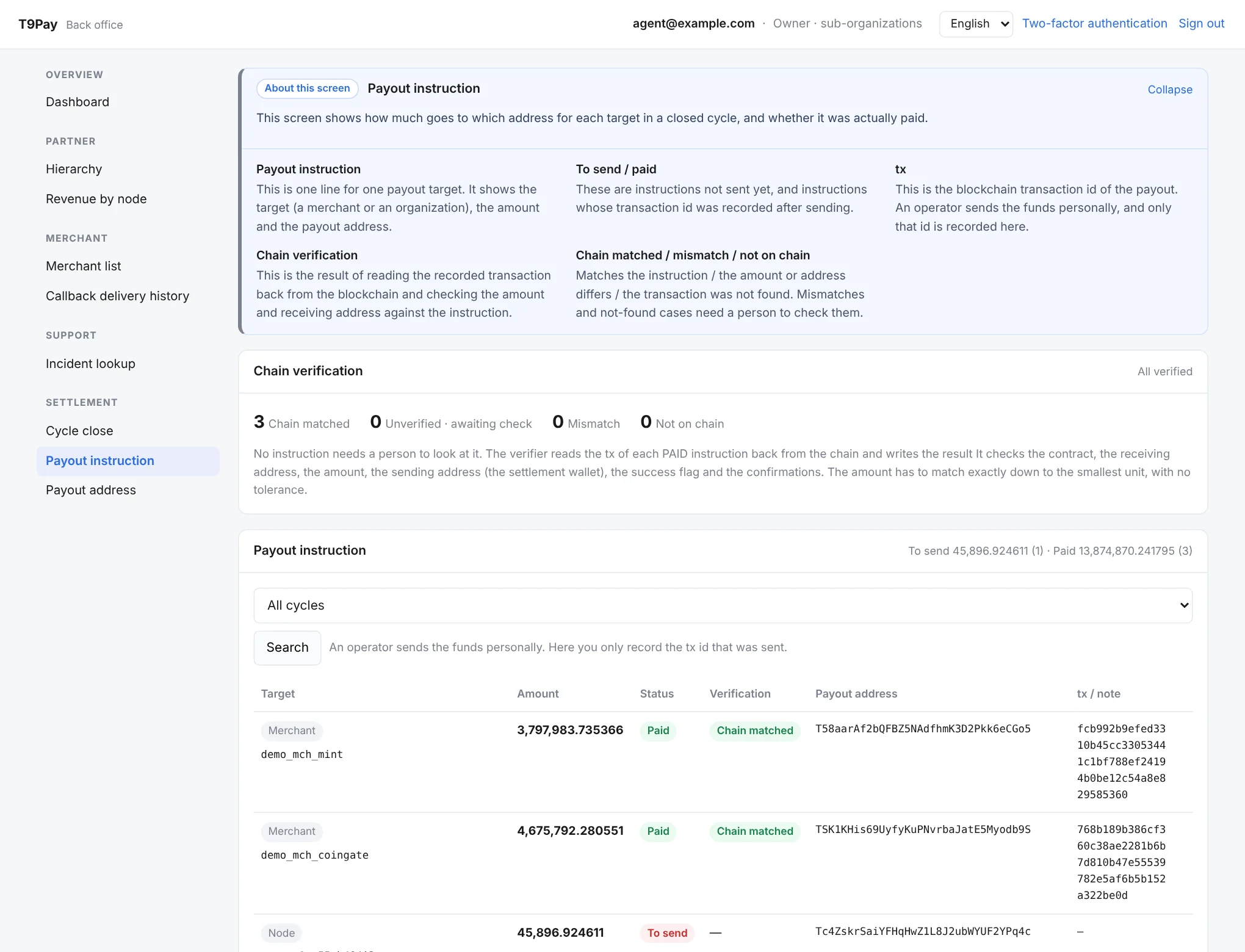
Payout instruction
Shows how much is paid to you and your merchants for each closed cycle, to which address, and whether it has actually been paid. Each payout record is shown with the result of checking it against the blockchain.
Payout address
Shows the address where you receive settlement and its change history. For safety, a newly registered address takes effect only after a waiting period.